Gaming News
All our coverage of the latest video games, consoles and accessories.
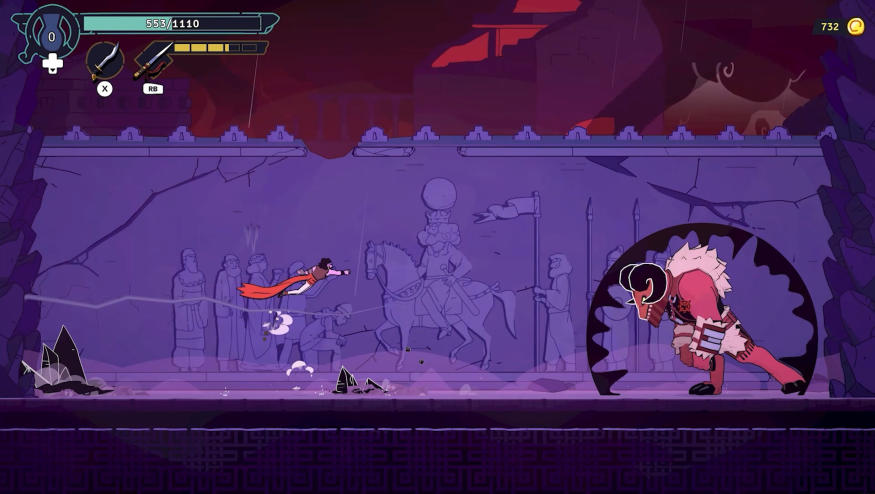
The Rogue Prince of Persia is delayed because Hades II is a juggernaut
The Rogue Prince of Persia was supposed to debut in early access on May 14, but Evil Empire and Ubisoft have delayed it to get out of the way of Hades II.

The Rogue Prince of Persia is delayed because Hades II is a juggernaut
The Rogue Prince of Persia was supposed to debut in early access on May 14, but Evil Empire and Ubisoft have delayed it to get out of the way of Hades II.
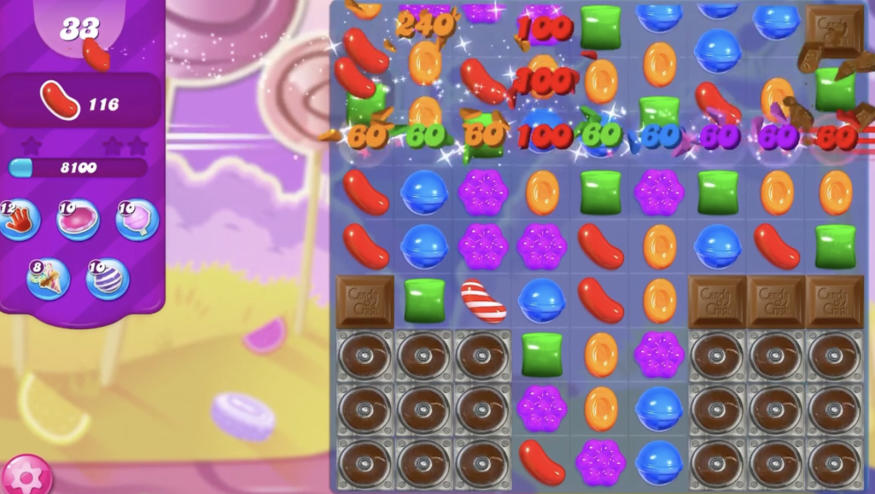
Microsoft's web-based mobile game store opens in July
Microsoft is launching a browser-based store to make sure it's "accessible across all devices, all countries, no matter what."

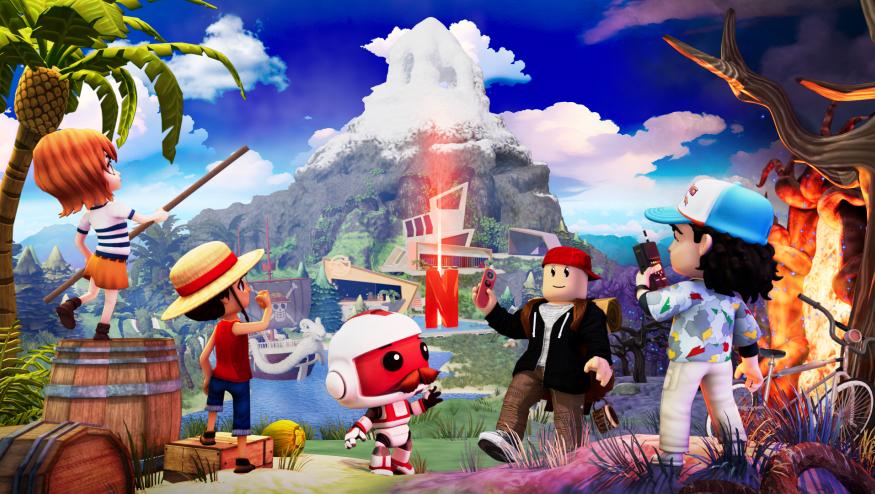
Netflix and Roblox team up for a digital theme park that’s heavy on corporate synergy
Netflix and Roblox have teamed up for a digital theme park with activities pulled from properties like Stranger Things and One Piece. Netflix Nextworld is currently in early access.

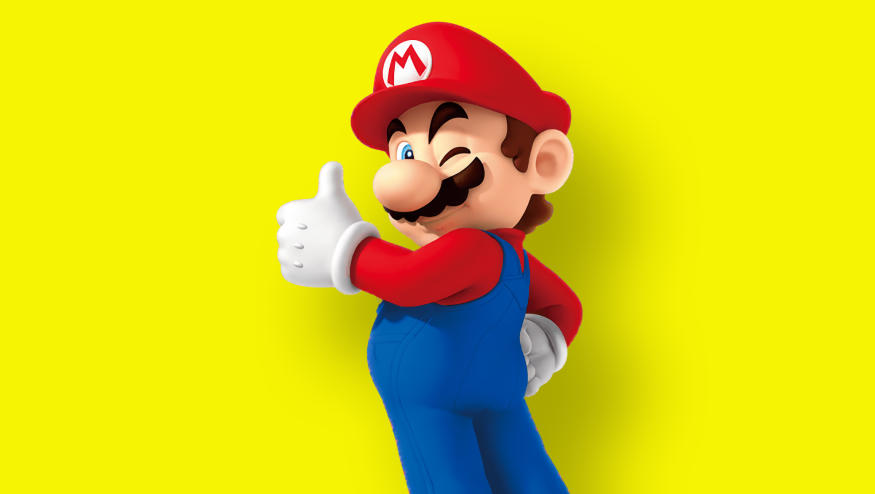
Nintendo is done paying Elon Musk for X integration
Nintendo has had enough of X’s (Twitter’s) API fees. The Mario maker said on Wednesday that starting on June 10, direct integration from the Switch’s album to Elon Musk’s Nazi-curious platform will no longer work.

Best Gaming Hardware

The best gaming accessories on a budget for 2024
Here's a list of the best budget gaming accessories you can buy, as chosen by Engadget editors.

The best gaming gear for graduates
New graduates have earned the time to unwind after a busy year. These pieces of gaming gear would make great gifts for the new college graduate in your life.

The best PS5 games for 2024: Top PlayStation titles to play right now
Here are the best games you can get for the PlayStation 5 right now, as chosen by Engadget editors.

The 5 best mechanical keyboards for 2024
Here's everything you need to know before buying a mechanical keyboard, plus the best mechanical keyboards you can get right now.

Latest
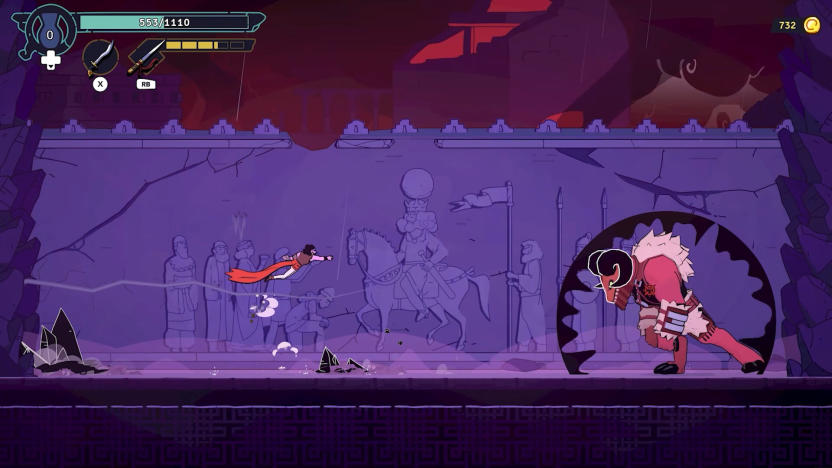
The Rogue Prince of Persia is delayed because Hades II is a juggernaut
The Rogue Prince of Persia was supposed to debut in early access on May 14, but Evil Empire and Ubisoft have delayed it to get out of the way of Hades II.
Microsoft's web-based mobile game store opens in July
Microsoft is launching a browser-based store to make sure it's "accessible across all devices, all countries, no matter what."
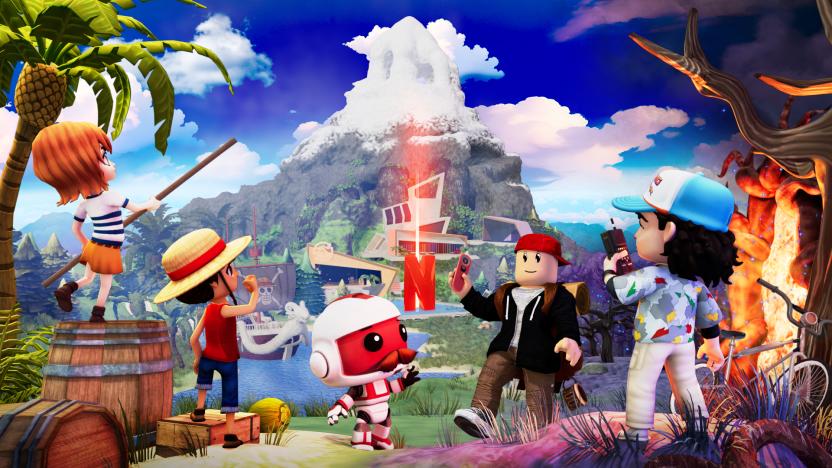
Netflix and Roblox team up for a digital theme park that’s heavy on corporate synergy
Netflix and Roblox have teamed up for a digital theme park with activities pulled from properties like Stranger Things and One Piece. Netflix Nextworld is currently in early access.
Nintendo is done paying Elon Musk for X integration
Nintendo has had enough of X’s (Twitter’s) API fees. The Mario maker said on Wednesday that starting on June 10, direct integration from the Switch’s album to Elon Musk’s Nazi-curious platform will no longer work.
Dungeons and Dragons is coming to Dead by Daylight
Dead by Daylight's next chapter is right around the corner. This time around, there's a heavy Dungeons and Dragons theme.
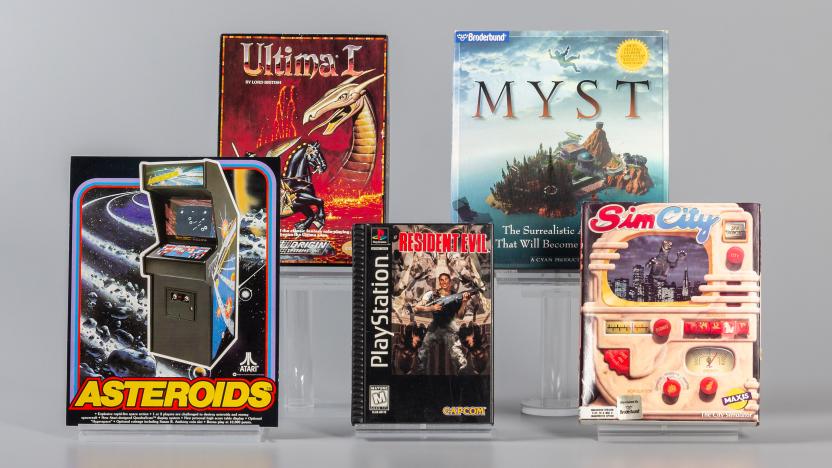
Asteroids and Resident Evil join the World Video Game Hall of Fame
This year's World Video Game Hall of Fame inductees have been announced. Asteroids, Myst, Resident Evil, SimCity and Ultima made the cut, with the likes of Guitar Hero, Metroid and Tony Hawk’s Pro Skater missing out.
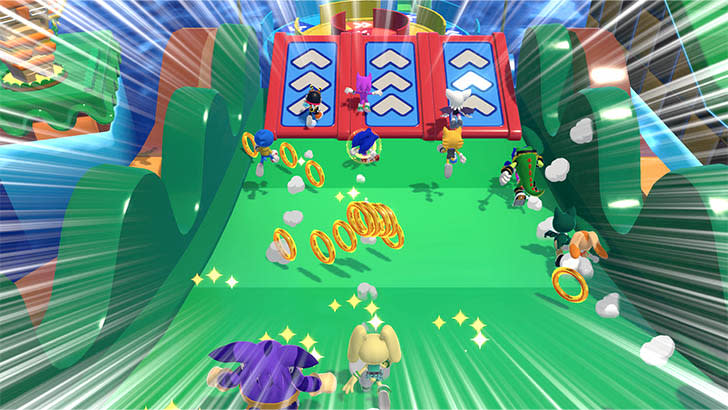
Sega's next Sonic game looks a lot like Fall Guys
Sega has announced Sonic Rumble, a game that mirrors much of the popular title Fall Guys.
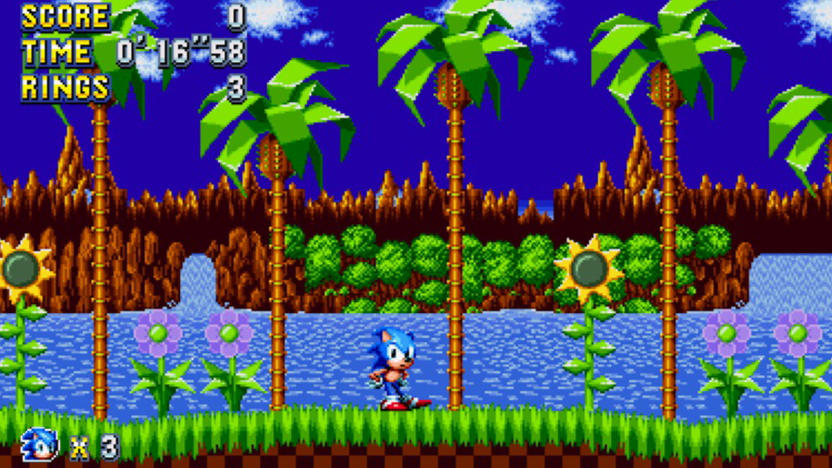
Sonic Mania Plus and Braid come to Netflix's gaming library
Netflix has added Sonic Mania Plus to its roster of games subscribers can access for free on mobile without ads or in-app purchases.
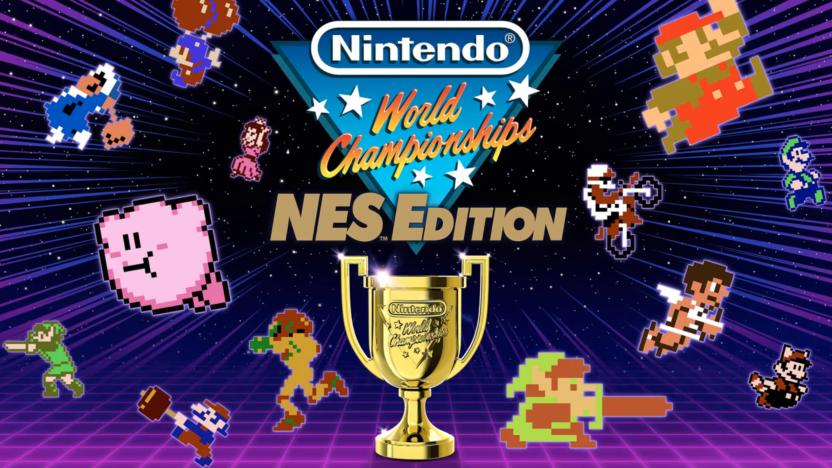
Nintendo just revealed a NES speedrunning collection inspired by an ultra-rare 1990 cartridge
Nintendo just dropped a trailer for Nintendo World Championships: NES Edition. This is a collection of minigames based around speedrunning.
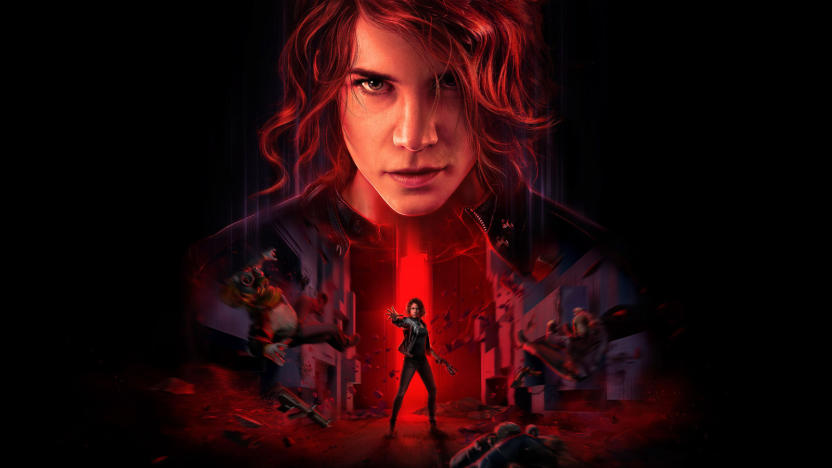
Remedy cancels its multiplayer game project with Tencent
Remedy's and Tencent's gaming project hit a snag last year when they had to go in a different direction. Now, that project has been cancelled completely.
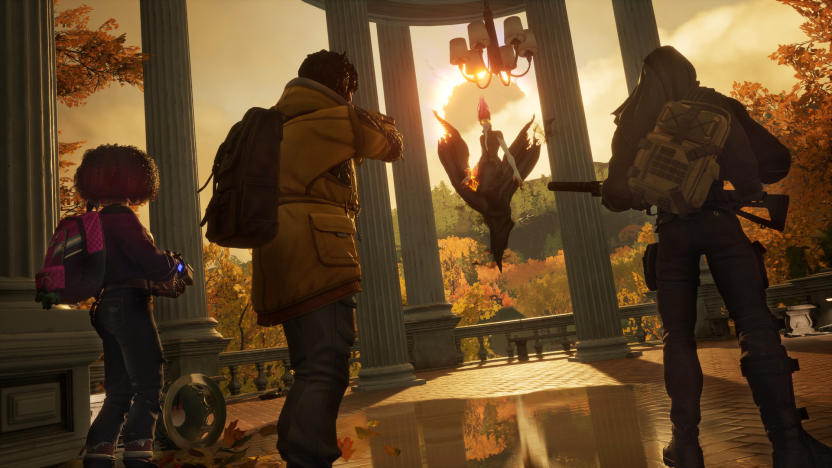
Arkane Austin and Tango Gameworks have been shut down
Microsoft has shuttered three ZeniMax teams: Arkane Austin, Tango Gameworks and Alpha Dog Studios. Roundhouse Games is also seeing changes.
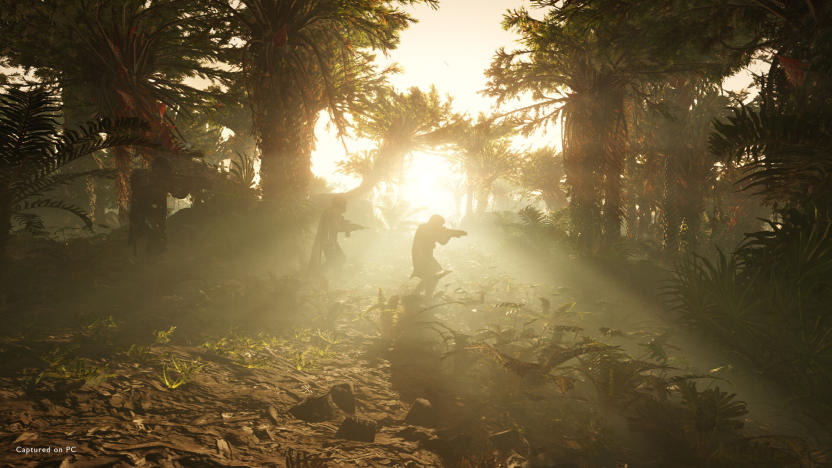
What the heck is going on with Helldivers 2?
You've seen the angry tweets, Discord messages and Reddit threads — here's what's going on.
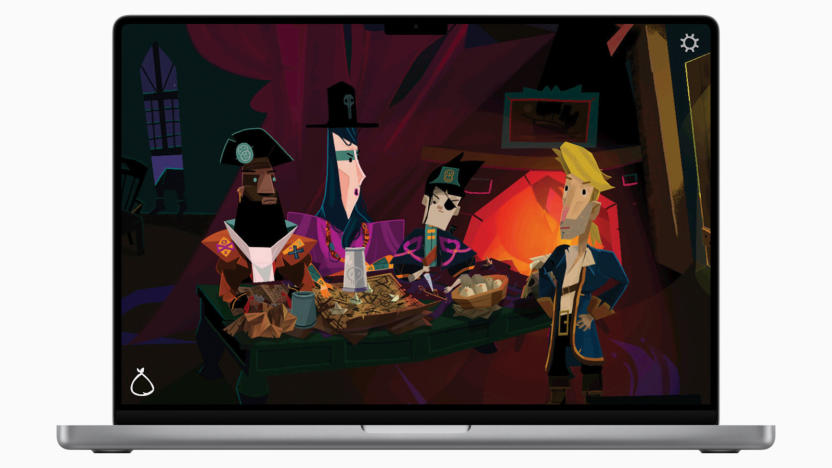
Return to Monkey Island comes to Apple Arcade in June
Where Cards Fall will also be available for the Apple Vision Pro on May 30.
Nintendo to announce Switch successor before March 2025
Nintendo will unveil a successor to the Switch sometime "within this fiscal year" ending March 2025.
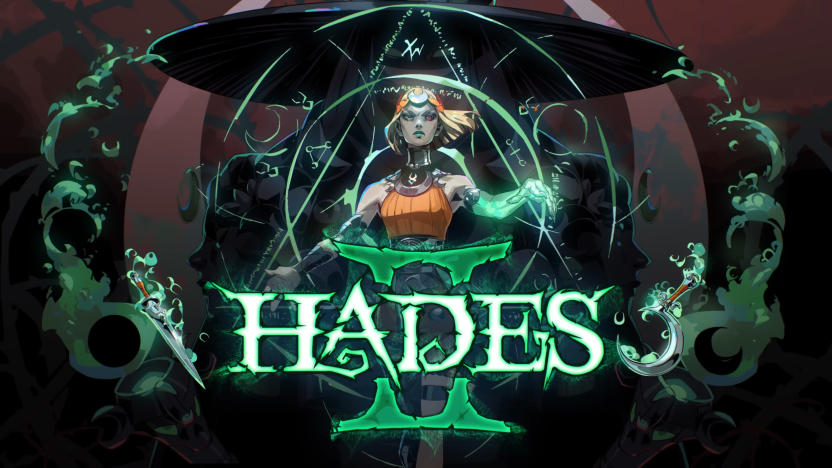
Hades II is now available in early access on PC
Hades II is now available in Early Access for PC players. After performing a technical test from April 16 to 29, Supergiant Games said Early Access for the “bewitching sequel” would follow “relatively soon after.”
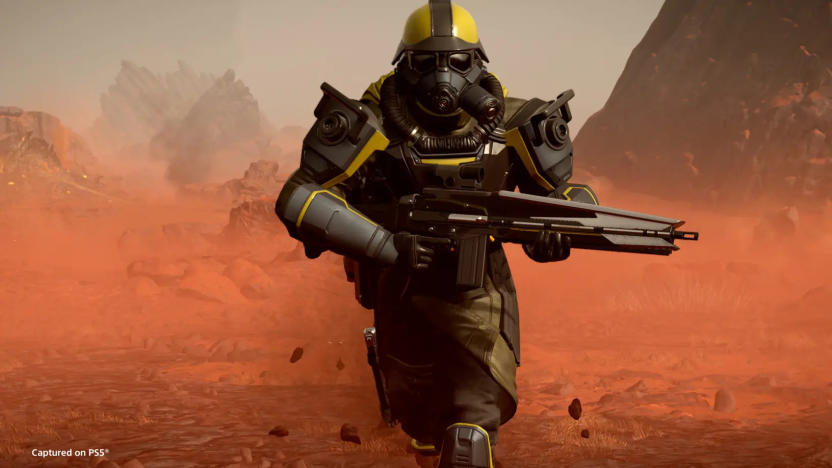
Sony quickly backs down on Helldivers 2 PSN requirement for PC players
After creating a massive kerfuffle by forcing Helldivers 2 PC players to link their accounts to the PlayStation Network, Sony is backing down.
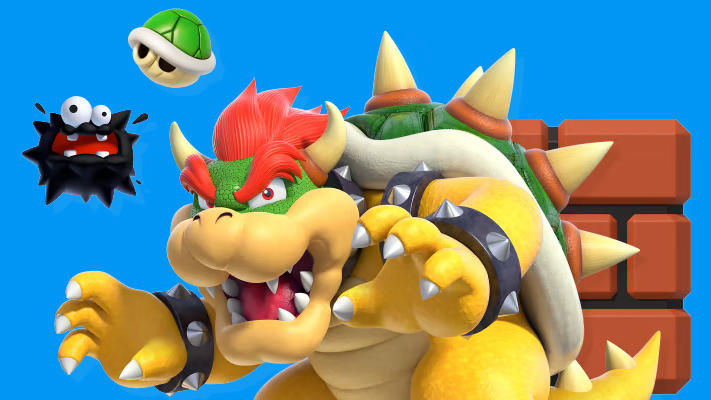
Nintendo blitzes GitHub with over 8,000 emulator-related DMCA takedowns
Nintendo sent a Digital Millennium Copyright Act (DMCA) notice for over 8,000 GitHub repositories hosting code from the Yuzu Switch emulator, which the Zelda maker previously described as enabling “piracy at a colossal scale.”
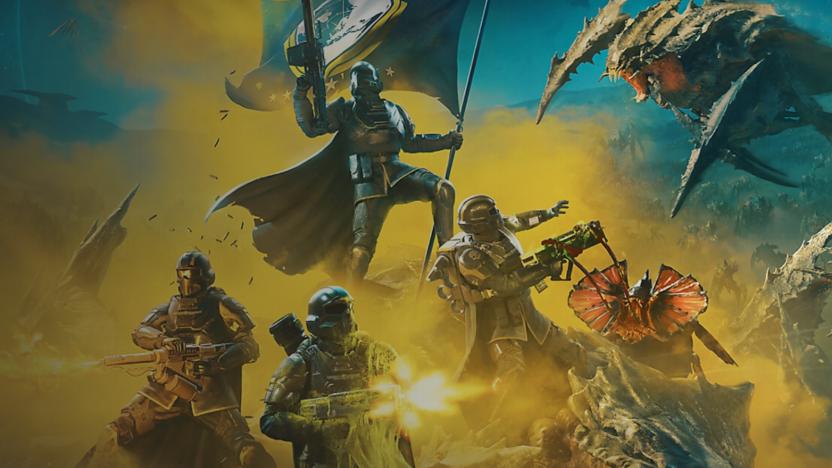
Helldivers 2 PC players suddenly have to link to a PSN account and they're not being chill about it
Helldivers 2 players have become frustrated after Sony suddenly required linking to a PSN account to play the game on PC. This was not necessary when the title launched in February.
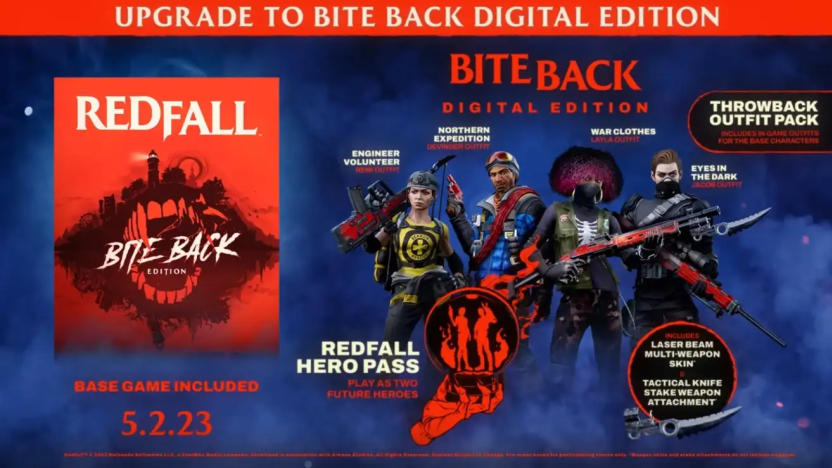
Redfall’s two DLC heroes are still MIA a year later
Microsoft may want to be more careful about leaving a trail of broken promises when games don’t go as planned. A year after Redfall landed with a thud, players are still waiting for the advertised post-launch DLC they already paid for.
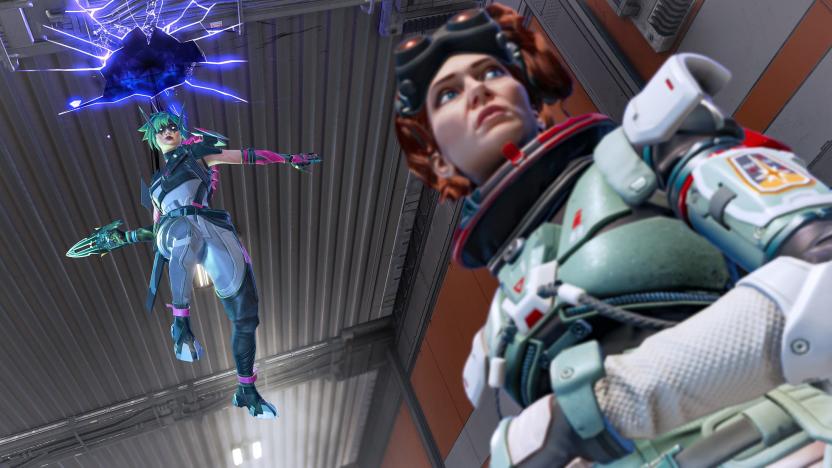
Apex Legends is getting a solo mode for the first time in five years
Apex Legends will have a solo mode for the first time in five years when the new season starts on May 7. Respawn said as recently as January it had no plans to bring back the single-player option.


